 Skip to content





Home offices now handle sensitive client data, video conferences, and cloud applications that demand enterprise-level network reliability. Remote workers manage confidential documents, process payments, and conduct virtual meetings that can’t afford interruptions or security vulnerabilities. The network infrastructure supporting these activities has become as critical as any piece of office equipment.
Choosing the right wifi router for home goes beyond speed specifications and range claims. It’s about protecting your business reputation, maintaining uptime during critical calls, and preventing security breaches that could cost thousands in recovery expenses and lost client trust. The difference between a consumer-grade device and a properly configured business solution often determines whether your home office operates as a professional environment or a security liability.
Why Business-Grade Router Security Matters for Remote Workers
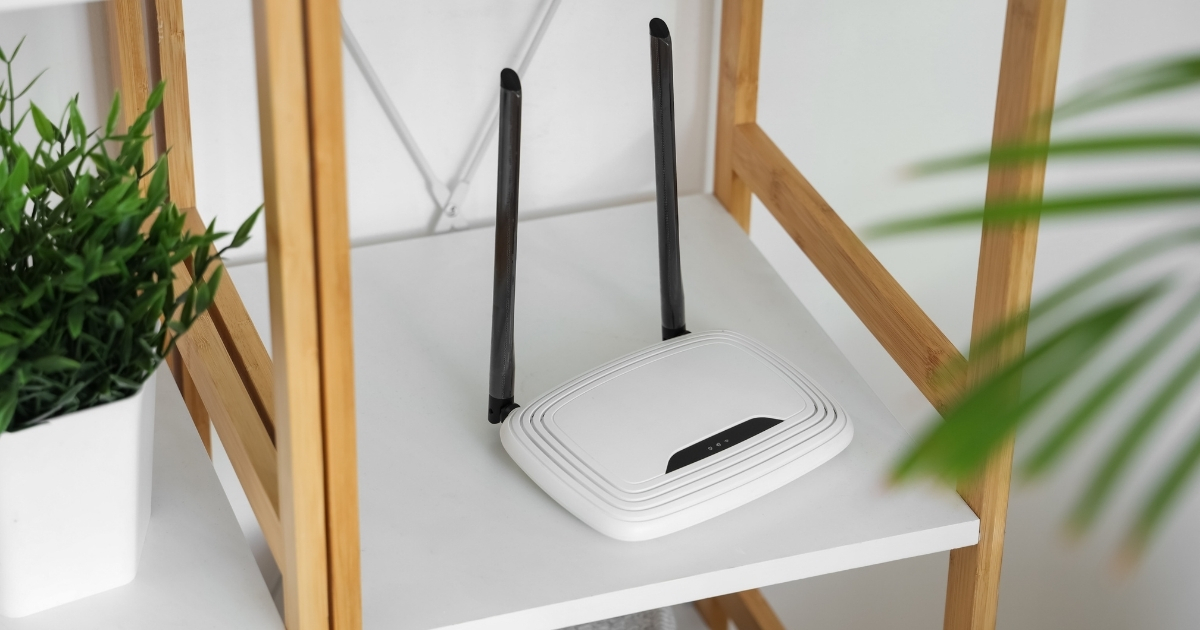
Consumer routers ship with basic security features, but a business-grade router for home use incorporates WPA3 encryption, automatic firmware updates, and intrusion detection systems that actively monitor for suspicious network activity. These features create multiple defensive layers. Selecting a wifi router for home office use means evaluating these security capabilities before considering speed specifications.
Home networks present specific vulnerabilities that cybercriminals exploit to access business systems. When guest networks aren’t properly isolated—or when IoT devices sit on the same network as business systems—a single compromised device can become an entry point to sensitive files and applications.
WiFi 6 Routers vs Mesh Systems: Which Setup Protects Your Home Office Best
Understanding mesh wifi system vs traditional router configurations helps remote workers match technology to their specific environment. A traditional wifi router for home broadcasts from a central location, delivering maximum speed to devices within direct range. Mesh systems distribute multiple access points throughout a space, creating overlapping coverage zones that eliminate dead spots in larger homes or offices with challenging layouts.
Coverage patterns differ significantly between these approaches. A single powerful router works well for open floor plans under 2,000 square feet where the device can occupy a central position. Mesh networks excel in multi-story buildings, homes with thick plaster walls, or offices where the internet connection enters at one end of the structure. Device capacity also varies—enterprise WiFi 6 routers handle dozens of simultaneous connections, while mesh systems distribute load across nodes to support over a hundred devices including security cameras, smart sensors, and employee equipment.
| Configuration Type | Best Use Case | Security Management |
|---|---|---|
| Single WiFi 6 Router | Apartments, condos, small offices under 2,000 square feet with central placement option | Centralized firewall rules, single firmware update point, unified threat monitoring |
| Mesh Network System | Multi-level homes, offices with metal/concrete obstacles, spaces over 2,500 square feet | Distributed security policies, synchronized updates across nodes, seamless roaming |
| Hybrid Configuration | Detached office buildings, workshops, or guest houses requiring separate network segments | VLAN segmentation between main and satellite networks, independent access controls |
Security management represents a critical distinction when evaluating how to choose a router for remote work. Single routers consolidate all security policies in one administrative interface, simplifying firewall configuration and access control. Mesh systems require synchronized security settings across multiple nodes, but premium business models handle this automatically through cloud management platforms. Professional installation ensures proper VLAN configuration regardless of topology.
Essential Router Features Every Home-Based Business Should Demand
Router security features for home office environments extend beyond the encryption standards protecting wireless transmissions to include access controls, network segmentation, and threat monitoring capabilities.
When evaluating any wifi router for home office environments, security features go beyond the encryption standards that protect wireless transmissions. Guest network isolation creates a separate SSID for visitors and IoT devices, preventing compromised smart speakers or security cameras from accessing business file shares. This segmentation contains breaches to non-critical systems while maintaining convenience for household technology.
VPN server capability built into your wifi router for home allows secure remote access to office resources when traveling. Instead of exposing file servers directly to the internet, employees connect through an encrypted tunnel that authenticates users before granting network access. This feature proves essential for businesses with multiple remote workers or contractors who need access to centralized resources.
Quality of Service settings prioritize business-critical traffic over recreational use. When configured properly, video conferences and VoIP calls receive guaranteed bandwidth even when family members stream entertainment or download large files. The system detects application types and allocates network resources according to business priorities, preventing dropped calls during client meetings.
How to Set Up a Home Network That Supports Business Operations
Proper configuration of your wifi router for home office use begins with strategic placement. The device should occupy a central location elevated off the floor, away from metal filing cabinets and concrete walls that block signals. Avoid placing equipment in basements or closets where structural elements interfere with wireless propagation.
VLAN segmentation separates business and personal traffic at the network layer. This configuration creates virtual networks that share physical infrastructure but maintain logical isolation. Business devices connect to a VLAN with strict firewall rules and monitoring, while household equipment operates on a separate segment with relaxed policies. The separation prevents compromised personal devices from accessing business resources even when connected to the same physical network.
| Configuration Step | Business Impact |
|---|---|
| Change default administrator credentials immediately after installation | Prevents unauthorized access through widely-known factory passwords that attackers try first |
| Enable WPA3 encryption with a strong passphrase (16+ characters, mixed case, numbers, symbols) | Protects wireless transmissions from interception and unauthorized network access |
| Disable WPS and remote management features unless specifically required | Closes security vulnerabilities that provide alternative entry points for attackers |
| Configure Quality of Service rules prioritizing video conferencing and VoIP applications | Ensures reliable performance during client calls regardless of other network activity |
| Schedule automatic firmware updates during non-business hours | Maintains security without interrupting work or requiring manual intervention |
WiFi 6 Router Benefits for Business Productivity
WiFi 6 represents a significant upgrade when choosing a wifi router for home offices, delivering specific advantages beyond raw speed improvements. Target Wake Time technology allows devices to schedule communication with the router, reducing power consumption and network congestion. This feature particularly benefits businesses with numerous IoT sensors and monitoring equipment that would otherwise compete for airtime continuously.
The best wireless router for small business applications must support the increased device density that modern offices require. WiFi 6 handles significantly more concurrent connections than previous standards, accommodating the proliferation of smartphones, tablets, laptops, printers, cameras, and smart office equipment without performance degradation. This capacity prevents the “too many devices” bottleneck that plagues older networks.
Professional Network Security for Your Home Office at Coastal IT Services
Selecting the right wifi router for home represents only the first step toward a secure, reliable office network. Proper configuration, ongoing security monitoring, and proactive maintenance prevent the costly breaches and downtime that undermine business operations. VLAN segmentation, firewall rules, and intrusion detection require expertise that most business owners lack the time to develop.
Coastal IT Services specializes in designing and implementing business-grade home networks that protect sensitive data while maintaining the performance remote workers demand. Our team conducts comprehensive security assessments, identifies vulnerabilities in existing setups, and deploys enterprise solutions scaled appropriately for home office environments. We configure Quality of Service policies that prioritize your business applications, establish secure remote access through VPN servers, and implement monitoring systems that alert you to potential threats before they escalate into breaches. Contact us today for a network security consultation to transform your home office into a secure, productive workspace.
FAQs
Remote workers frequently ask about router selection, security configuration, and network troubleshooting. These questions address the most common concerns when building a reliable home office network.
1. How often should I replace my home office router?
Business-grade routers typically last three to five years before manufacturers discontinue security updates and performance degrades. If your equipment is over three years old or doesn’t support WPA3 encryption, upgrade immediately for security reasons alone. Outdated firmware contains known vulnerabilities that automated scanning tools exploit within hours.
2. Can I use a consumer router for my home business, or do I need a business model?
Consumer routers work for basic home offices handling non-sensitive data with minimal uptime requirements. Businesses managing confidential information, running servers, or requiring guaranteed availability should invest in business-grade models with advanced security features and priority support. The cost difference is minimal compared to breach recovery expenses and lost productivity during outages.
3. What’s the difference between WiFi 6 and WiFi 6E routers?
WiFi 6E adds access to the 6GHz frequency band, reducing interference in crowded areas and providing faster speeds for compatible devices. For most home offices, standard WiFi 6 offers sufficient performance unless you operate in a dense apartment building or handle large file transfers constantly. The 6GHz band requires newer client devices to take advantage of the additional spectrum.
4. Should I enable the guest network feature even if clients don’t visit my home office?
Absolutely—use guest networks to isolate IoT devices like smart speakers, security cameras, and printers from your primary business network. This prevents compromised smart devices from accessing sensitive business files and client data. Guest network segmentation contains breaches to non-critical systems while maintaining convenience for household technology.
5. How do I know if my slow internet is a router problem or an ISP issue?
Connect a device directly to your modem via an Ethernet cable and run speed tests at fast.com or speedtest.net. If speeds match your service plan, the router is likely the bottleneck. If speeds are slow even when bypassing the router, contact your ISP or consult with IT professionals for troubleshooting a slow wifi connection and line quality testing.


